Juggling multiple social media accounts? Save time and maximize your impact with the right social media management tools. This list of the 10 best social media management tools for 2025 helps streamline your workflow, from scheduling and analytics to team collaboration. Whether you're a solopreneur or managing a large brand, find the perfect tool to elevate your social media strategy. We'll cover top options like Schedul, Hootsuite, Buffer, Sprout Social, Later, Agorapulse, Sendible, SocialPilot, Zoho Social, and MeetEdgar, catering to various needs and budgets. Let's get started!
1. Outstand.so
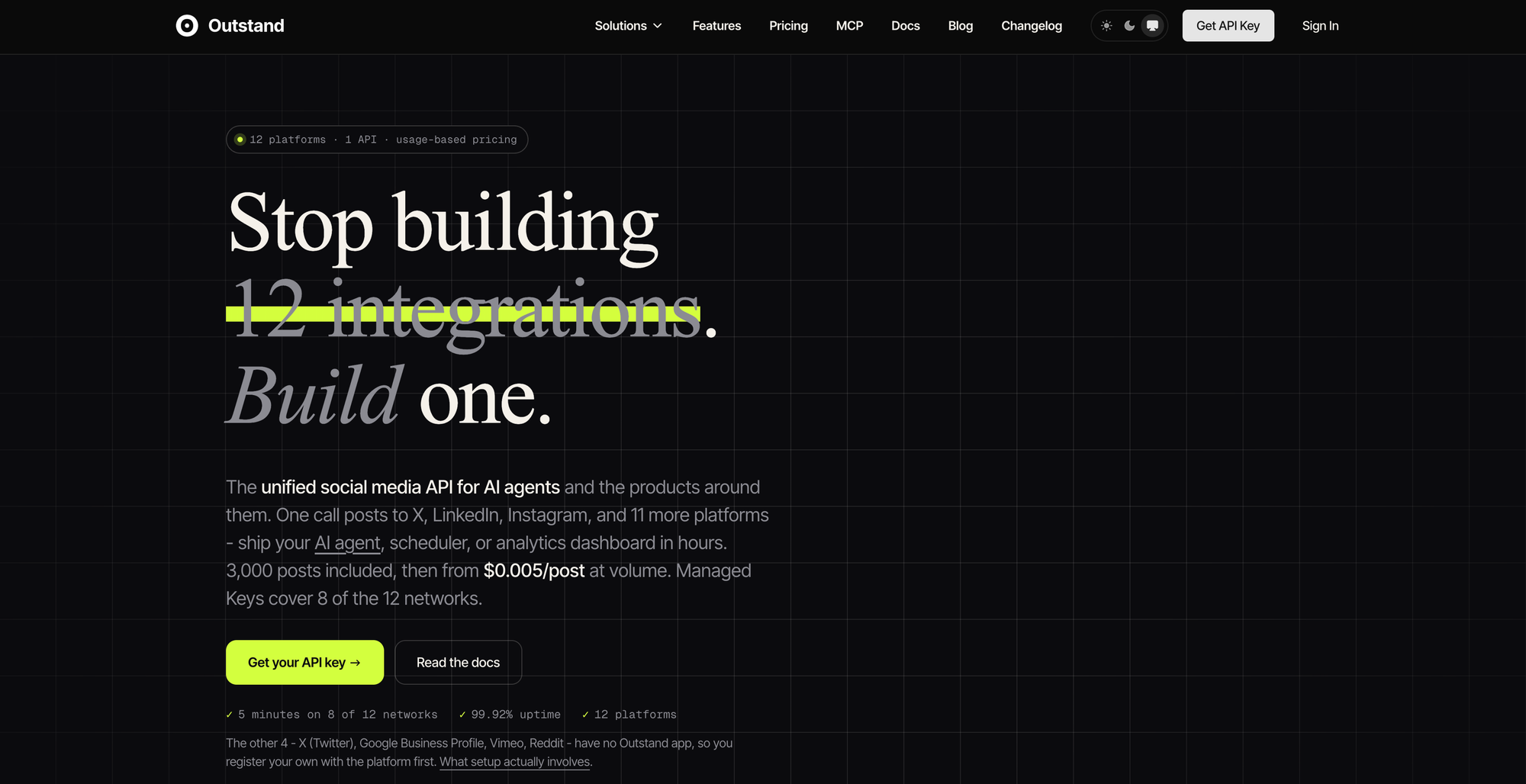
Most social media management tools give you a dashboard and ask you to do the work in it. Outstand - which is the backbone behind ScheduleThreads - takes a different approach: it's a unified social media API that lets your app, your scripts or your AI assistant manage social media for you. You connect once and publish, schedule, analyze and reply to comments across 12 networks through a single integration: X, LinkedIn, Instagram, TikTok, YouTube, Facebook, Threads, Bluesky, Pinterest, Google Business Profile, Vimeo and Reddit.
That makes Outstand the strongest option on this list for teams that want social media to run as a system rather than a daily chore. A SaaS product can add "post to social" for its own users in days instead of building and maintaining 12 separate platform integrations. An agency can run hundreds of client accounts from its own tooling, or launch a product under its own brand. A marketing team can wire publishing into the CMS, the CRM or an n8n workflow it already uses.
Outstand is also the most AI-ready tool here. It ships a hosted MCP server with 28 tools, so Claude, ChatGPT, Cursor or any MCP-compatible agent can draft, schedule, publish, reply to comments and pull analytics in plain language. Tell your assistant "post this announcement to LinkedIn, X and Threads tomorrow at 9am and send me the engagement numbers on Friday" and it happens, with no dashboard involved.
Features:
One REST API for publishing, scheduling, media uploads, analytics and comment replies across 12 networks
Hosted MCP server with 28 tools for Claude, ChatGPT, Cursor and other AI agents
Native multi-post threads on X, plus image, carousel, Reel and video posts
Per-platform publish status for every post, so failures are visible instead of silent
Managed OAuth apps for most networks, or bring your own developer keys for full control
Scales to hundreds or thousands of connected accounts on a single workspace
Pros:
Replaces a stack of separate platform integrations with one API
Built for AI agents and automation, not just manual scheduling
Covers text, image and video networks in one place
Transparent usage-based pricing that stays affordable at agency and SaaS scale
Built for developers and AI-assisted workflows; teams that want a point-and-click content calendar without any setup will be happier with a dashboard tool like Schedul or Buffer
No built-in social listening or brand monitoring
Implementation/Setup Tips:
Sign up and create an API key from the Outstand dashboard.
Connect your social accounts through the managed OAuth flow (X, Google Business Profile, Vimeo and Reddit require your own developer app).
Publish your first post with a single API call, or connect the MCP server to Claude or ChatGPT and ask it to post for you.
Pull post analytics into your own reporting instead of exporting CSVs from a dashboard.
Pricing: Pay-as-you-go starts at $19/month with 3,000 posts and up to 100 connected accounts included. The Business plan is $129/month with 50,000 posts and 1,000 accounts. See outstand.so for full pricing.
Comparison: Hootsuite, Buffer and Sprout Social are built around a human working in a dashboard. Outstand is built around software and AI agents doing the work, which makes it the better choice when you're managing social media at scale, building it into a product, or handing it off to an AI assistant.
Website: https://www.outstand.so
2. Hootsuite
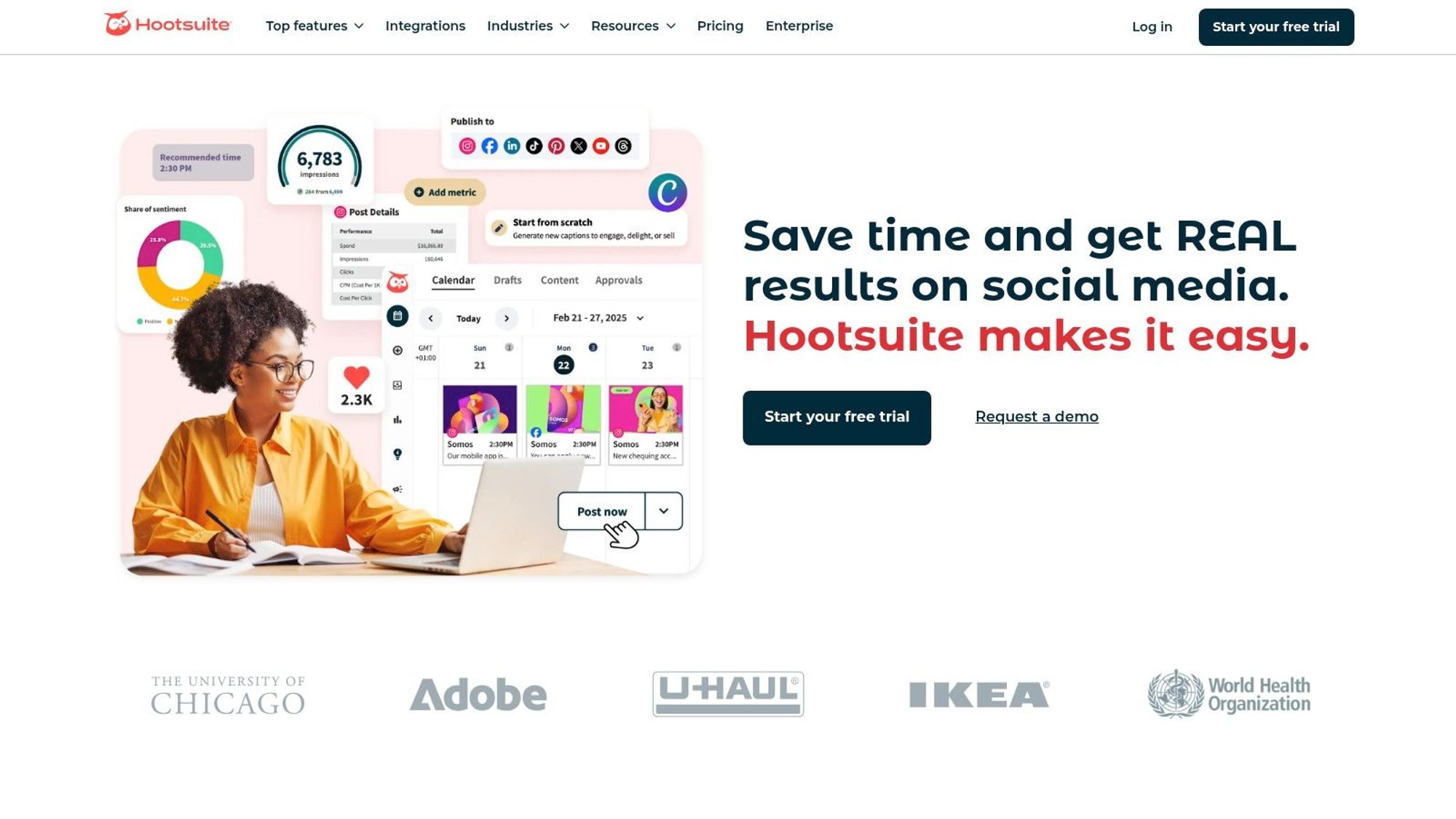
Hootsuite is a veteran in the social media management tools arena, offering a comprehensive platform suitable for businesses of all sizes, particularly larger organizations with complex social media needs. It consolidates management of multiple social media accounts, from established platforms like Facebook, Twitter, Instagram, LinkedIn, YouTube, and Pinterest, all within a single dashboard. This allows social media managers to streamline their workflows, saving valuable time and effort. Beyond basic scheduling, Hootsuite facilitates team collaboration, analytics tracking, and even provides social listening capabilities to help businesses understand their audience and industry trends. Its breadth of features makes it a powerful tool for orchestrating and analyzing social media strategies.
Hootsuite earns its spot on this list due to its robust feature set and extensive integrations. Imagine managing all your brand's social media content from one place – scheduling posts in bulk, reviewing drafts with team members using built-in approval workflows, monitoring brand mentions and industry keywords, and generating detailed analytical reports to track performance. Hootsuite makes this a reality. Its content calendar allows for precise scheduling and offers the convenience of bulk uploading options. The platform's team collaboration tools are particularly strong, allowing for assigning tasks, managing approvals, and ensuring consistent brand messaging across all platforms. Further enhancing its functionality, Hootsuite boasts an extensive app directory with over 250 integrations, connecting it with other marketing tools and platforms you might already be using.
Features:
Supports management of multiple social networks (Facebook, Twitter, Instagram, LinkedIn, YouTube, Pinterest)
Content calendar and scheduling with bulk upload options
Team collaboration tools with approval workflows
Social listening and monitoring capabilities
Comprehensive analytics and custom reporting
Pros:
Robust platform with extensive functionality for enterprise users
Strong security features and compliance tools
Excellent team collaboration capabilities
Extensive app directory with over 250 integrations
Cons:
Can be expensive for small businesses or individual users
Interface can feel overwhelming for beginners
Some users report the mobile app lacks functionality compared to the desktop version
Implementation/Setup Tips:
Begin by connecting all relevant social media accounts.
Familiarize yourself with the dashboard and navigation.
Utilize the content calendar for efficient scheduling.
Explore the app directory to leverage integrations with existing tools.
Experiment with the social listening features to gain audience insights.
Pricing: Hootsuite offers various plans ranging from professional plans for individuals to enterprise-level solutions. Pricing details can be found on their website.
Technical Requirements: Hootsuite is primarily a web-based platform, accessible through any modern web browser. Mobile apps are also available for iOS and Android devices.
Comparison: While other tools like Buffer and SproutSocial offer similar functionality, Hootsuite differentiates itself with its wider range of integrations and its robust enterprise-level features. This makes it a more compelling solution for larger businesses or agencies managing multiple brands and campaigns.
Buffer is a powerful yet user-friendly social media management tool ideal for individuals, small businesses, and agencies looking to streamline their social media presence. Its core strength lies in its simplicity and efficient content scheduling capabilities, making it a top choice for those new to social media management or seeking a clean, intuitive interface. Buffer deserves its spot on this list of social media management tools because it excels at helping users maintain a consistent posting schedule and provides accessible analytics to measure content performance without overwhelming the user with complex features.
One of Buffer's key features is its visual content calendar with drag-and-drop functionality. This allows you to easily visualize your planned posts, rearrange them as needed, and ensure a balanced content mix across different platforms. Imagine effortlessly dragging and dropping your pre-prepared tweets, Instagram posts, and Facebook updates onto the calendar to schedule your entire week's social media content in minutes. This visual approach simplifies the planning process and gives you a clear overview of your upcoming social media activity. You can customize posting schedules for each connected social network, optimizing your content delivery for peak engagement times on each platform. Further enhancing its ease of use, Buffer offers a browser extension that allows you to quickly share content you discover online directly to your Buffer queue.
Buffer excels at streamlining content creation and scheduling workflows. For instance, if you're a content creator managing multiple social media accounts, you can use Buffer to schedule a week's worth of posts across various platforms in one sitting. The ability to schedule the first comment on Instagram posts is particularly useful for adding hashtags and context without cluttering the original caption. Analyzing the performance of your social media efforts is also simplified with Buffer's built-in analytics. You can track key metrics such as engagement, reach, and clicks, and generate exportable reports to share with your team or clients. Want to understand how your social media efforts contribute to your bottom line? Learn more about Buffer and calculating social media ROI.
Pros:
Clean, intuitive interface: Easy to navigate and learn, even for beginners.
Affordable pricing tiers: Offers flexible plans suitable for individuals and small businesses.
Excellent content scheduling capabilities: Streamlines the process of planning and scheduling posts across multiple platforms.
Consistently adding new features: Buffer actively incorporates user feedback and regularly updates its platform.
Cons:
Limited social listening capabilities: While Buffer offers basic analytics, it lacks the robust social listening features found in some competing tools.
Advanced analytics require higher-tier plans: More in-depth analytics and reporting options are often locked behind higher-priced subscription tiers.
Fewer integrations than some enterprise-level tools: May not offer the same level of integration with other marketing tools as some larger platforms.
While pricing information isn't readily available for inclusion here, it's advisable to visit the Buffer website directly for the most up-to-date details. Technical requirements are minimal, as Buffer is primarily a web-based application accessible through any modern web browser. Buffer compares favorably to other social media management tools like Hootsuite and SproutSocial, particularly for users prioritizing ease of use and efficient scheduling. However, if you require advanced social listening or analytics features, exploring alternative platforms might be beneficial.
A crucial tip for implementing Buffer effectively is to carefully plan and customize your posting schedules for each social network. Take advantage of the browser extension to quickly add content to your queue and regularly review your analytics to refine your social media strategy. By leveraging Buffer's intuitive interface and powerful scheduling features, you can significantly enhance your social media management workflow and maintain a consistent online presence.
4. Sprout Social
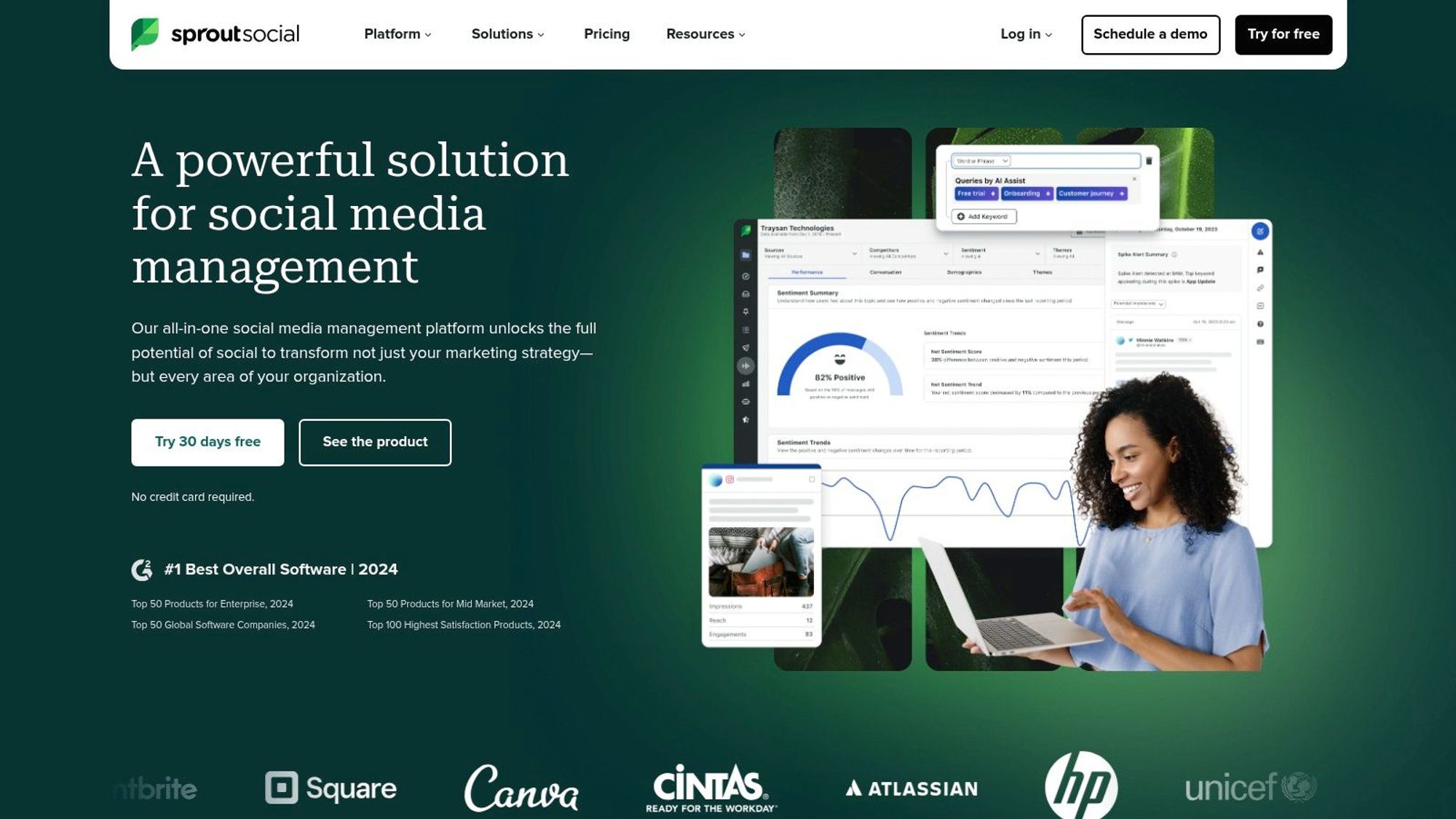
Sprout Social is a robust social media management tool ideal for businesses seeking advanced features for engagement, publishing, analytics, and social listening. It offers a centralized platform to manage multiple social media networks, streamline team collaboration, and even integrate with existing CRM systems. This makes it a powerful option for businesses that require in-depth data analysis, efficient workflow management, and comprehensive social media strategies. Sprout Social earns its place on this list due to its comprehensive feature set, excellent user experience, and powerful integrations, making it a top choice for serious social media professionals.
For digital marketing professionals and social media managers juggling multiple accounts, Sprout Social simplifies daily tasks. Its advanced scheduling capabilities, including optimal send time recommendations, allow for strategic content planning and consistent posting. The unified social inbox streamlines communication by aggregating messages from various platforms into a single location. This facilitates efficient engagement with audiences and reduces response times. Furthermore, the powerful social listening and trend analysis tools empower businesses to monitor brand mentions, identify industry trends, and gain valuable insights into audience sentiment. This information is crucial for refining social media strategies and adapting to the ever-changing digital landscape. You can learn more about Sprout Social and its impressive analytics capabilities.
Sprout Social’s detailed analytics with customizable reporting provides valuable data on campaign performance, audience demographics, and engagement metrics. These insights enable data-driven decision-making and allow social media strategists to optimize their campaigns for maximum impact. Team workflow tools, complete with task assignment and approval processes, enhance collaboration and ensure consistent brand messaging across all social channels. For example, brand managers can easily assign tasks to team members, review content before publication, and maintain a cohesive brand voice across platforms. The platform’s CRM integration capabilities enable businesses to connect their social media activities with customer relationship management data, further enhancing customer engagement and personalization efforts.
Pros:
Exceptional user interface and experience design
Strong customer support and educational resources
Powerful CRM integration capabilities
Advanced analytics and reporting functionality
Cons:
Higher price point than many competitors
No free plan option (only free trial)
Some advanced features only available in higher-tier plans
While Sprout Social doesn't offer a free plan, it does provide a free trial. Pricing details are readily available on their website. Technical requirements are minimal, primarily requiring a stable internet connection and a compatible web browser. Compared to similar social media management tools like Hootsuite and Buffer, Sprout Social offers a more comprehensive suite of features geared towards larger businesses and agencies. However, this also means a higher price tag. Setting up Sprout Social is relatively straightforward, with an intuitive onboarding process and ample documentation to guide users through the initial setup and configuration. This makes it accessible even to those who are new to social media management platforms. For those seeking a robust, all-in-one solution, Sprout Social is a worthy investment despite the higher cost.
5. Later
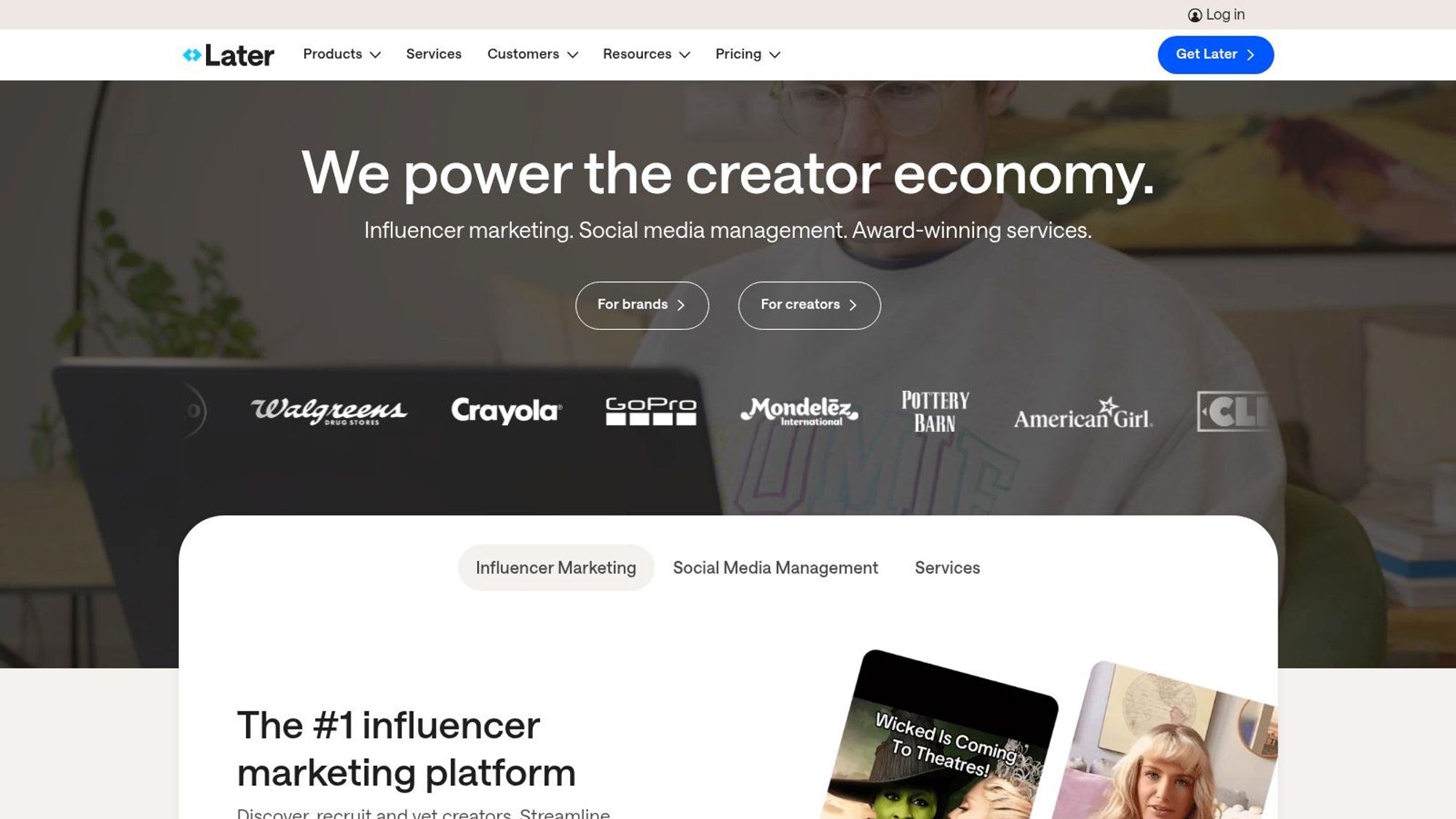
Later distinguishes itself among social media management tools by specializing in visual content planning and scheduling. This makes it a powerful solution for brands and individuals heavily reliant on visual platforms like Instagram, Pinterest, TikTok, and even visually-driven Facebook and Twitter strategies. If your social media presence thrives on eye-catching imagery and videos, Later could be the perfect tool to streamline your workflow and maximize your impact.
Later’s core strength lies in its visual content calendar. The drag-and-drop interface simplifies the process of scheduling posts, allowing you to visualize your feed and ensure a cohesive aesthetic. This is invaluable for social media managers and content creators who meticulously plan their visual storytelling. The platform also offers a robust media library for storing and organizing your visual assets, eliminating the chaos of scattered files and folders. For Instagram marketing, the integrated Linkin.bio feature is a game-changer, allowing you to drive traffic directly from your Instagram posts to specific product pages or landing pages. Beyond scheduling and organization, Later also facilitates user-generated content discovery and management, allowing you to identify and leverage content created by your audience. Furthermore, built-in Instagram analytics and hashtag suggestions provide data-driven insights to optimize your content strategy and reach a wider audience.
Compared to more generalized social media management tools, Later's focus on visual platforms makes it a standout choice for specific use cases. For example, if you're managing a fashion brand's Instagram presence, Later's visual planning capabilities and Instagram-specific features are far superior to the generic scheduling options offered by broader platforms. Similarly, for businesses heavily reliant on Pinterest or TikTok, Later’s visual-first approach is a significant advantage.
However, this specialization also comes with limitations. Later's functionality for text-focused platforms like Twitter is less robust than dedicated Twitter management tools. While it offers basic scheduling, it lacks advanced features like Twitter thread management or detailed Twitter analytics. Similarly, while Later provides analytics, they are not as comprehensive as those offered by enterprise-level social media management suites. Finally, Later has fewer integration options compared to all-in-one platforms, which might limit its seamless integration into existing workflows that rely heavily on third-party tools.
Later offers a range of pricing plans to suit different needs, starting with a free plan for individual users and scaling up to premium options for businesses. Specific pricing and technical requirements can be found on their website (https://later.com).
Setting up Later is straightforward. Simply connect your social media accounts, upload your visual content to the media library, and start planning your visual content calendar. The intuitive drag-and-drop interface makes it easy to schedule posts and preview your feed. To maximize Later's potential, consider developing a clear visual content strategy beforehand, defining your brand aesthetic, and identifying key performance indicators (KPIs) to track your progress.
In conclusion, Later earns its place on this list of social media management tools by offering a specialized and powerful solution for visually-driven social media strategies. While it might not be the ideal choice for managing text-heavy platforms or complex enterprise-level campaigns, its intuitive interface, visual planning capabilities, and strong Instagram-specific features make it an excellent choice for individuals, small businesses, and agencies focused on visual storytelling.
6. Agorapulse
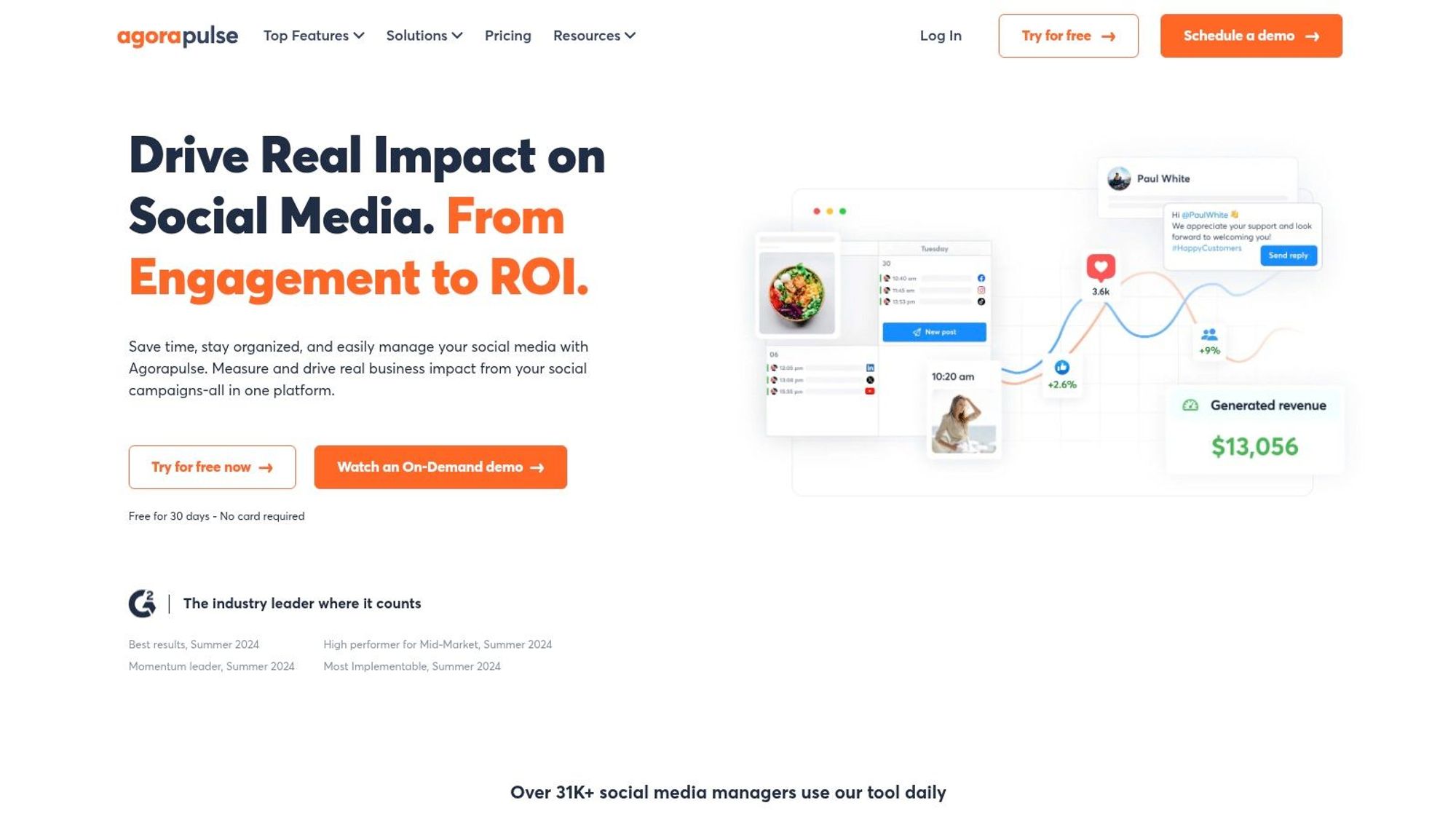
Agorapulse is a robust social media management tool ideal for teams and businesses seeking to streamline their social media workflows. It offers a comprehensive suite of features, including publishing, engagement, listening, and reporting, all within a single, unified dashboard. This makes it a powerful option for managing multiple social media networks efficiently. Whether you're scheduling content, responding to comments, or analyzing campaign performance, Agorapulse provides the tools to help you achieve your social media goals. It earns its place on this list of top social media management tools due to its excellent team collaboration features, intuitive interface, and powerful reporting capabilities.
For digital marketing professionals, social media strategists, content creators, and brand managers, Agorapulse offers significant advantages. Its social inbox, with assignment capabilities and saved replies, allows teams to efficiently manage incoming messages and comments, ensuring timely and consistent responses. The publishing and scheduling feature, complete with queue categories, enables users to plan and automate content delivery, saving valuable time and resources. Automated moderation rules help maintain a positive brand presence by automatically hiding or deleting unwanted comments and messages. Meanwhile, social listening with keyword monitoring keeps you informed about relevant conversations and industry trends.
Key Features & Benefits:
Unified Social Inbox: Streamline communication by managing messages and comments from all connected social media profiles in one place. Assign conversations to team members, use saved replies for frequently asked questions, and ensure no message goes unanswered. This is particularly beneficial for teams working collaboratively.
Publishing & Scheduling: Plan and schedule content in advance with flexible scheduling options and queue categories. This feature empowers users to maintain a consistent posting schedule and optimize content visibility.
Automated Moderation: Set up rules to automatically hide or delete spam and unwanted comments, freeing up your time and maintaining a positive brand image.
Social Listening: Monitor keywords and hashtags relevant to your brand and industry. Gain valuable insights into audience sentiment, competitor activities, and emerging trends.
Comprehensive Reporting: Track key performance metrics, analyze campaign results, and demonstrate ROI with detailed reports. These reports provide actionable data to refine your social media strategy and improve overall performance.
Pros:
Intuitive User Interface: Agorapulse is known for its user-friendly interface, making it easy to navigate and use, even for beginners.
Excellent Inbox Management & Team Collaboration: The platform's collaboration features are particularly strong, facilitating seamless teamwork and efficient communication.
Strong ROI Reporting Functionality: Agorapulse provides robust reporting features that help demonstrate the value of your social media efforts.
Responsive Customer Support: Users generally report positive experiences with Agorapulse's customer support team.
Cons:
Limited Customization Options for Reports on Lower Tiers: Users on lower-priced plans may find the reporting customization options somewhat limited.
Higher Learning Curve for Some Advanced Features: While the basic features are easy to grasp, mastering some of the more advanced functionalities may require some time and effort.
Can Become Expensive as Team Size Grows: As your team expands, the cost of Agorapulse can increase significantly.
Pricing: Agorapulse offers a free trial and various paid plans starting at approximately $79 per month. Specific pricing details can be found on their website.
Technical Requirements: Agorapulse is a web-based platform accessible from any modern web browser. They also offer mobile apps for iOS and Android devices.
Comparison with Similar Tools: While similar to other social media management tools like Hootsuite and Buffer, Agorapulse differentiates itself with its strong focus on team collaboration and inbox management.
Implementation/Setup Tips: Start by connecting your social media accounts and defining team roles and responsibilities. Explore the platform's features and experiment with different scheduling options and moderation rules. Take advantage of the available resources and tutorials to maximize your use of the platform.
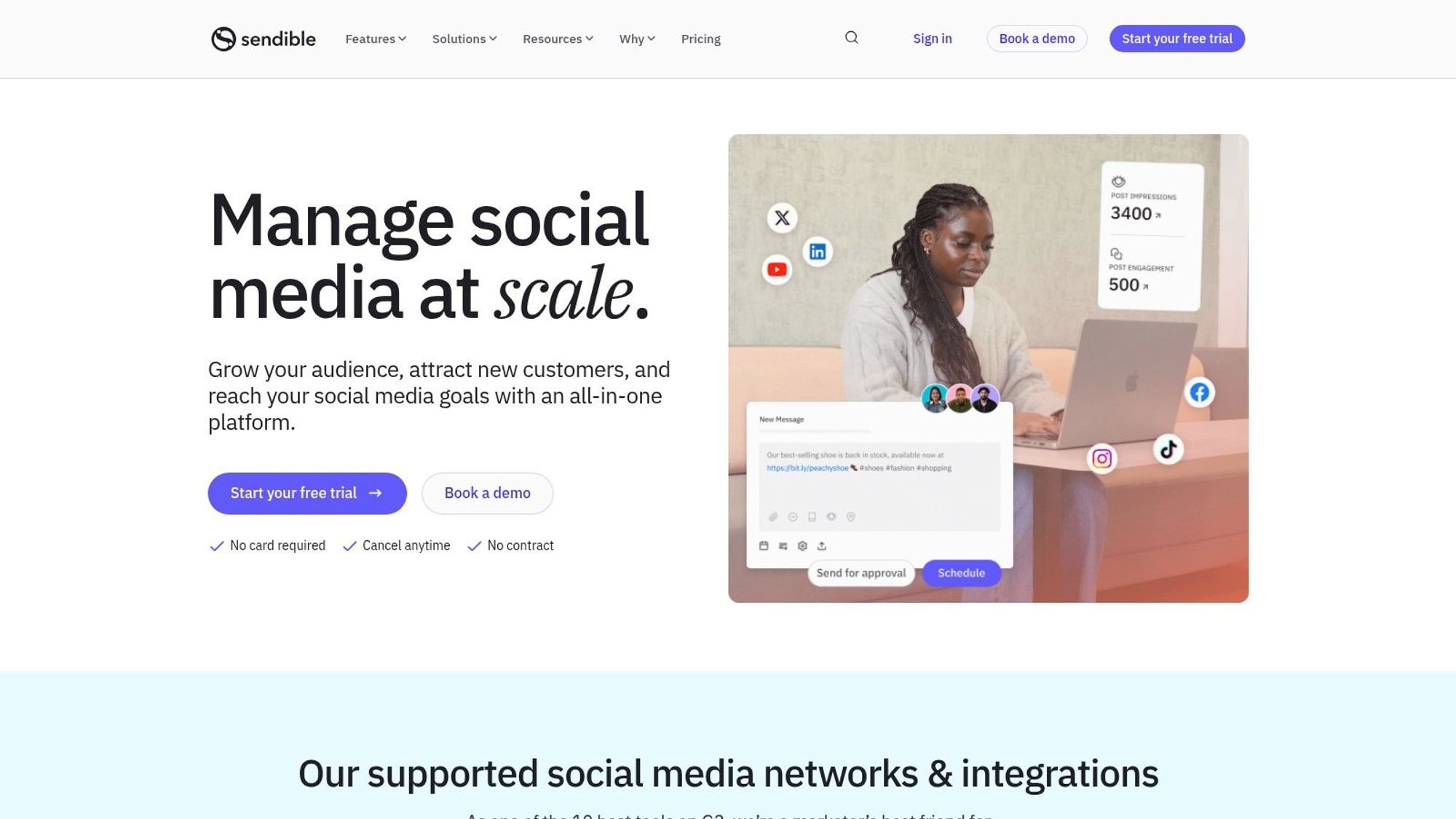
Sendible distinguishes itself as a powerful social media management tool specifically designed to cater to the needs of agencies juggling multiple clients. This platform offers a robust suite of features covering content creation, scheduling, team collaboration, and in-depth reporting, all while focusing on streamlining agency workflows and proving client ROI. If your agency manages a wide array of social media accounts, Sendible is definitely worth considering.
Sendible earns its spot on this list of top social media management tools thanks to its agency-centric approach. Features like white-labeled reporting and efficient client collaboration tools set it apart from competitors that are more geared towards individual users or smaller businesses. Imagine seamlessly managing content calendars for dozens of clients, scheduling posts across various platforms, and providing customized reports showcasing the impact of your social media efforts – all within a single, centralized platform. That's the power Sendible brings to the table.
Key features contributing to Sendible's agency-focused design include smart queues and content recycling capabilities, allowing you to maximize the lifespan of your content. Integrated content suggestions and RSS feeds help curate relevant content, saving you valuable time. Furthermore, client collaboration tools and approval workflows simplify the often-complex process of getting client sign-off on social media strategies and content. Finally, the ability to generate white-labeled reports provides a professional touch and reinforces your agency's branding when presenting results to clients.
Pros:
Excellent for managing multiple client accounts: Sendible's intuitive interface and streamlined workflows make it easy to handle a large volume of client accounts.
Strong content creation and suggestion tools: The platform provides a range of tools to help you create engaging content and curate relevant industry news.
Customizable, white-labeled reports for client presentation: Showcase your agency's value with professional, branded reports.
Good value for agencies with multiple clients: Sendible's pricing plans are structured to accommodate the needs of agencies, offering scalable solutions based on the number of clients and users.
Cons:
Interface isn't as polished as some competitors: While functional, the user interface could benefit from a more modern design.
Mobile app functionality is limited compared to desktop: While a mobile app is available, it lacks some of the features and functionality of the desktop version.
Some users report occasional performance issues: Depending on usage and internet connection, some users have experienced occasional lags or slow loading times.
While pricing information isn't explicitly listed here (as it can change), Sendible typically offers tiered plans based on the number of users and managed accounts. They often have a free trial available, allowing potential users to explore the platform's features before committing to a paid subscription. Technical requirements are generally minimal, requiring a stable internet connection and a compatible web browser.
Compared to similar tools like Hootsuite or Buffer, Sendible sets itself apart through its distinct focus on agency workflows and client management. While Hootsuite offers a broader range of integrations and Buffer excels in its simplicity, Sendible's strength lies in its ability to streamline the complexities of managing multiple clients and demonstrating clear ROI.
For implementation, start by connecting your clients' social media accounts and setting up user profiles for your team. Take advantage of the content scheduling and automation features to streamline your workflow. Explore the reporting capabilities to create customized reports for each client, showcasing the value of your services.
In conclusion, if you're running an agency and need a robust social media management tool to handle multiple clients efficiently and effectively, Sendible is a strong contender worth exploring. It provides a centralized platform for content creation, scheduling, collaboration, and reporting, empowering you to deliver exceptional results and demonstrate tangible value to your clients.
8. SocialPilot
SocialPilot is a powerful yet cost-effective social media management tool specifically designed for small businesses, agencies, and individual professionals. It offers a comprehensive suite of features including content scheduling, analytics reporting, team collaboration, and even client management capabilities, all at a competitive price point that makes it a compelling alternative to more expensive enterprise solutions. This makes it an ideal choice for those looking to streamline their social media workflow without breaking the bank. SocialPilot allows you to efficiently manage multiple social media accounts across various platforms, saving you valuable time and resources.
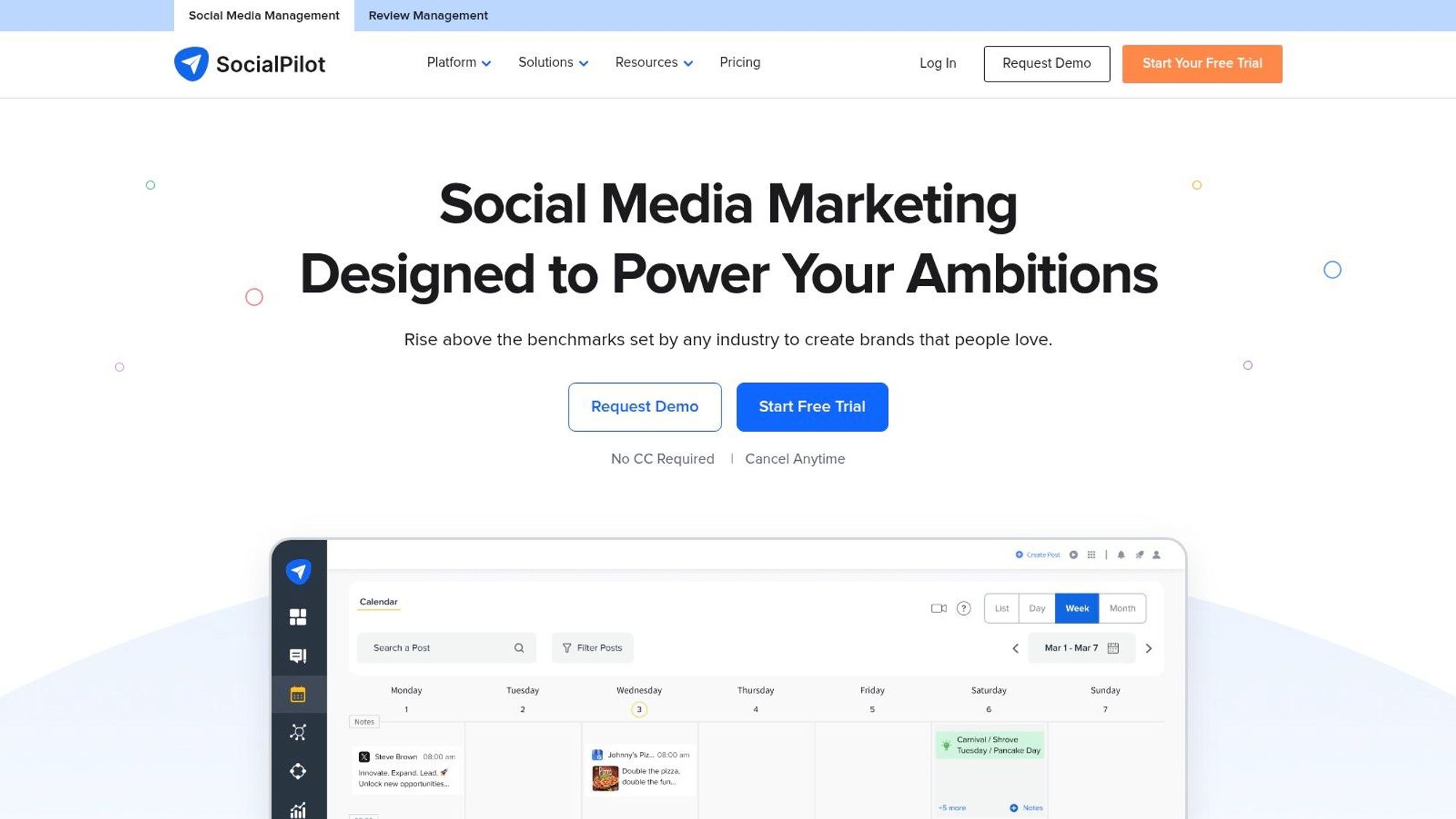
One of SocialPilot's standout features is its bulk scheduling capability, allowing you to schedule a large volume of content across multiple platforms simultaneously. This is a huge time-saver for busy social media managers. Furthermore, its content curation suggestions help you discover relevant and engaging content to share with your audience, ensuring your social media feeds stay fresh and active. For agencies and teams, SocialPilot provides robust client and team management tools, facilitating seamless collaboration and workflow management. The visual social media calendar offers a clear overview of your planned content, allowing you to easily adjust and optimize your posting schedule. Finally, SocialPilot provides analytics and white-labeled reporting features, enabling you to track your social media performance and demonstrate the value of your efforts to clients. Learn more about SocialPilot and how it can fit into your workflow management.
While SocialPilot excels in its user-friendly interface and value-packed features, it's essential to consider its limitations. Its analytics, while useful, are not as in-depth as those offered by some enterprise-level social media management tools. Its social listening capabilities are also somewhat limited compared to more specialized tools in that area. Finally, while it integrates with several popular platforms, it offers fewer integration options than some competitors.
Pros:
Excellent value for the feature set provided
User-friendly interface with minimal learning curve
Good customer support
Generous posting limits compared to competitors in the same price range
Cons:
Less robust analytics than enterprise-level tools
Limited social listening capabilities
Fewer integration options than some competitors
SocialPilot deserves its place on this list of top social media management tools because it strikes an excellent balance between functionality, affordability, and ease of use. It's a particularly strong choice for small businesses, agencies, and individuals looking for a comprehensive solution without the hefty price tag of enterprise-level software. You can explore their different pricing tiers and features on their website: https://www.socialpilot.co. Implementation is straightforward, with a user-friendly interface that requires minimal setup and training. If you're seeking a robust, affordable, and easy-to-use social media management tool, SocialPilot is definitely worth considering.
9. Zoho Social
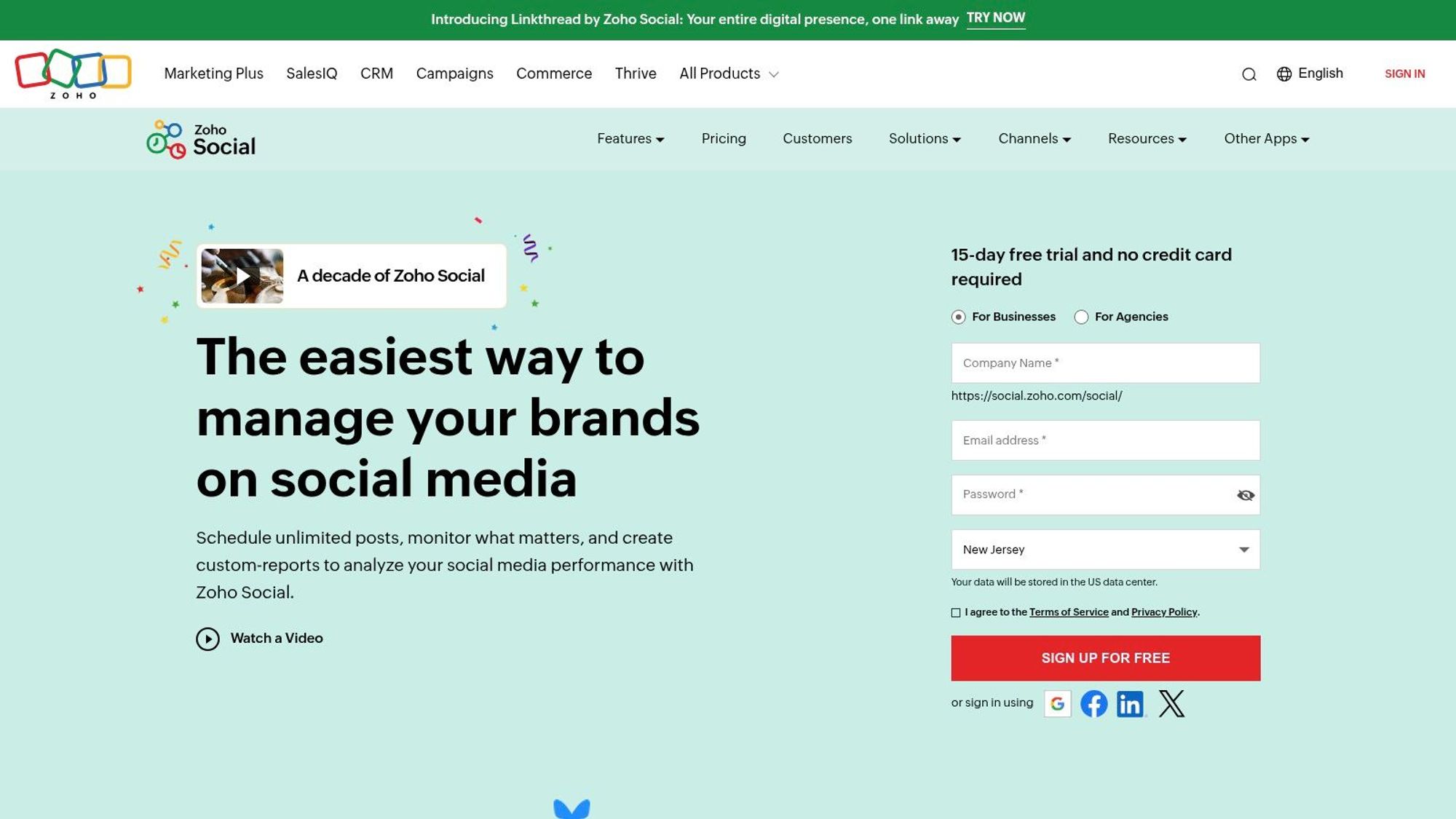
Zoho Social is a robust social media management tool that earns its spot on this list due to its seamless integration with the Zoho suite of applications, competitive pricing, and focus on team collaboration. This makes it a particularly compelling option for businesses already invested in the Zoho ecosystem, as well as small to medium-sized businesses looking for a comprehensive yet affordable solution. It simplifies social media marketing by centralizing publishing, monitoring, analytics, and team workflows all within a user-friendly interface. Whether you're managing multiple social media accounts across various platforms or need to streamline your team's social media efforts, Zoho Social offers the tools to enhance your social media presence.
Features and Benefits:
Zoho Social boasts a range of features designed to streamline your social media management:
SmartQ Predictions: Maximize your content's reach with SmartQ, which analyzes your audience's engagement patterns and suggests optimal posting times. This data-driven approach helps you publish content when your followers are most active, leading to increased visibility and engagement.
Real-Time Monitoring: Track brand mentions, keywords, and competitor activity through the real-time monitoring dashboard. This allows you to stay informed about conversations relevant to your brand and respond promptly to customer inquiries or address potential PR issues.
Team Collaboration: Streamline your team's workflow with built-in collaboration features. Assign roles, establish approval workflows, and share internal notes to ensure consistent brand messaging and efficient content creation.
Zoho CRM Integration: Seamlessly integrate your social media activities with Zoho CRM. This allows you to capture leads directly from social media, track customer interactions, and gain deeper insights into your audience's demographics and behavior. This integration is a significant advantage for businesses already utilizing Zoho CRM.
Custom Reporting: Generate custom reports to track key metrics, measure campaign performance, and demonstrate the ROI of your social media efforts. Branded reporting options allow you to create professional reports that align with your brand identity.
Pros:
Excellent Zoho Suite Integration: Seamlessly integrates with other Zoho applications, particularly Zoho CRM, making it a powerful tool for businesses already using the Zoho platform.
Competitive Pricing: Offers a range of pricing plans to suit different budgets, making it a more affordable option compared to some enterprise-level social media management tools.
Intuitive Interface: User-friendly design and navigation make it easy to learn and use, even for those new to social media management tools.
Good Mobile App Functionality: Manage your social media presence on the go with the mobile app, allowing for flexibility and responsiveness.
Cons:
Limited Platform Connections: Supports fewer social media platforms compared to some competitors, which might be a limitation for businesses needing to manage a wide range of social channels.
Reporting Features Could Be More Comprehensive: While offering custom reporting, the depth of analytics may not be as extensive as some dedicated enterprise social media analytics platforms.
Occasional Integration Bugs: Some users have reported occasional bugs or glitches with certain platform integrations, although Zoho is generally responsive to addressing these issues.
Pricing & Technical Requirements:
Zoho Social offers a variety of pricing plans, including a free version for individual users. Paid plans start at a competitive price point and offer increasing features and functionalities based on your business needs. Specific technical requirements are minimal, as Zoho Social is a cloud-based platform accessible through a web browser. The mobile app is available for both iOS and Android devices.
Comparison with Similar Tools:
Compared to competitors like Buffer or Hootsuite, Zoho Social stands out with its deep integration with the Zoho ecosystem and competitive pricing. While Buffer and Hootsuite offer broader platform support, Zoho Social provides a more integrated solution for businesses already invested in Zoho products.
Implementation/Setup Tips:
Getting started with Zoho Social is straightforward. Connect your social media accounts, define your brand settings, and start scheduling your content. Take advantage of the SmartQ feature to optimize posting times. If you’re using Zoho CRM, ensure you configure the integration to leverage the full benefits of the platform.
Zoho Social is a valuable social media management tool for businesses seeking a comprehensive yet affordable solution, especially those already utilizing the Zoho suite. Its strengths lie in its intuitive interface, robust team collaboration features, and seamless CRM integration. While it may have some limitations in platform connectivity and advanced analytics compared to enterprise-level tools, it offers a compelling package for small to medium-sized businesses and those deeply embedded in the Zoho ecosystem.
10. MeetEdgar
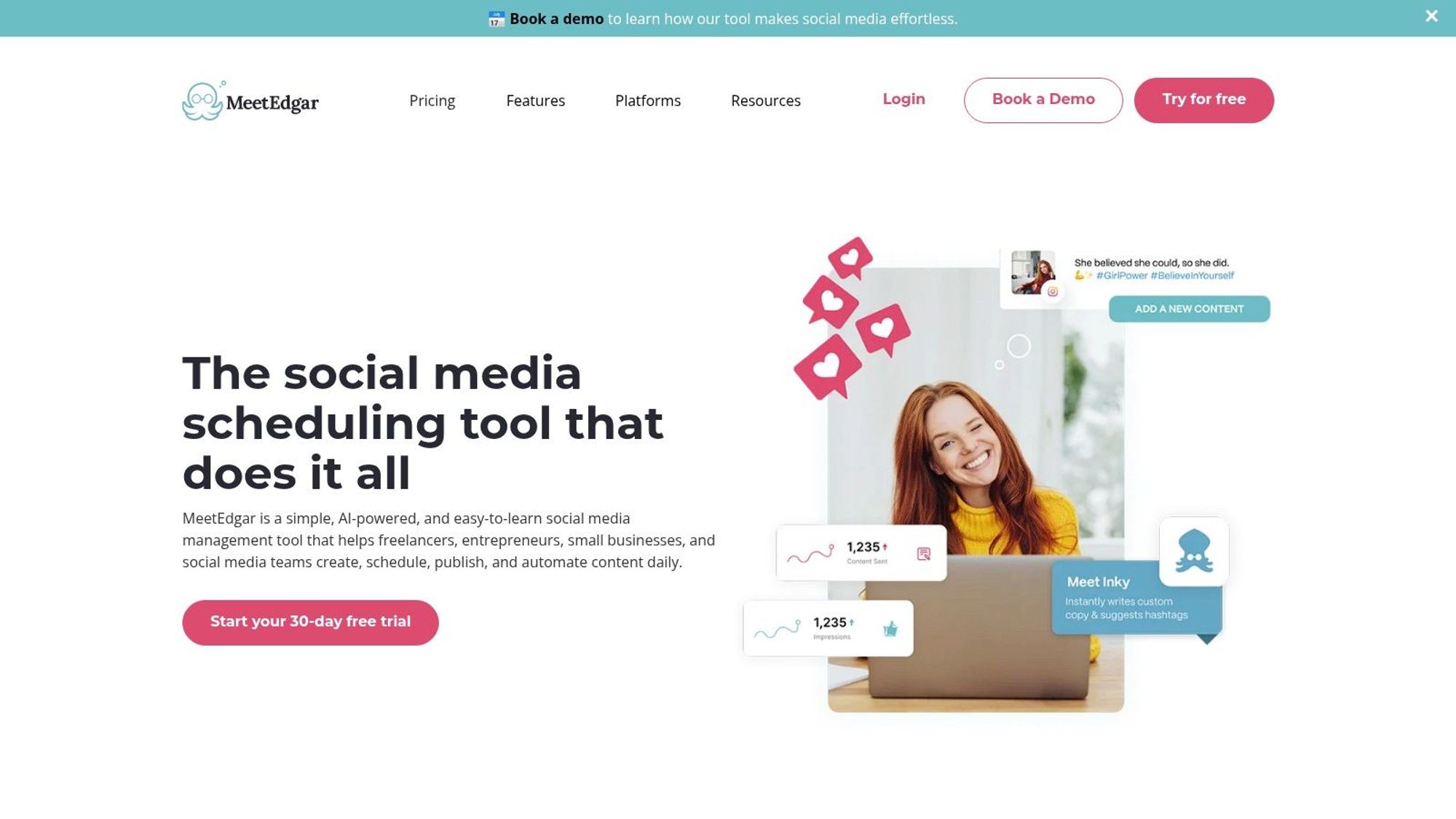
MeetEdgar stands out among social media management tools by prioritizing content recycling and automation. Instead of constantly creating new content, MeetEdgar allows you to build a library of evergreen content categorized by topic or theme. This library then fuels your social media channels, with the tool automatically recycling and resharing posts according to a custom schedule. This ensures a consistent online presence with minimal manual effort, a significant advantage for busy social media managers. This automation-first approach makes it an interesting choice for those looking to maximize the lifespan of their best-performing content.
MeetEdgar’s core strength lies in its ability to automate the tedious task of resharing content. Imagine having a blog post, a compelling infographic, or a customer testimonial that continues to deliver value long after its initial publication. With MeetEdgar, you can add these to your content library, categorize them appropriately (e.g., "Blog Posts," "Tips," "Product Updates"), and let the tool handle the resharing. Its category-based scheduling lets you define specific posting times and frequencies for different content types, ensuring a balanced mix of topics across your social media channels. The "Variations" feature allows you to create slightly different versions of the same post, further extending the life of your content and preventing it from feeling repetitive to your audience. Furthermore, its RSS feed integration allows you to curate content from other sources and automatically add it to your sharing queue, keeping your social feeds fresh and relevant.
For digital marketing professionals, social media strategists, and content creators struggling to maintain a consistent posting schedule, MeetEdgar offers a compelling solution. Small teams with limited content creation resources will particularly appreciate its ability to maximize the impact of their existing content. Think of small businesses, solopreneurs, or agencies managing multiple clients with tight budgets. By automating content recycling, MeetEdgar frees up valuable time that can be redirected towards other crucial tasks, such as strategy development, community engagement, and performance analysis.
However, MeetEdgar does have some limitations. Compared to more comprehensive social media management tools, its supported platforms are fewer. Its analytics capabilities are also relatively basic, providing limited insights into post performance. Additionally, MeetEdgar's pricing, while offering various plans, can be considered higher for the functionality it offers compared to some all-in-one tools that include features like social listening and inbox management, which MeetEdgar lacks.
Pros:
Excellent for maintaining consistent posting with minimal effort
Time-saving automation for evergreen content
Simple, focused interface that's easy to learn
Good for small teams with limited content creation resources
Cons:
Limited platforms supported compared to competitors
Minimal analytics capabilities
Higher price point for more limited functionality compared to all-in-one tools
While its lack of comprehensive features might make it unsuitable for larger teams or those requiring advanced analytics and social listening, MeetEdgar’s unique approach to automated content recycling makes it a valuable tool for individuals and small teams focused on maximizing the reach and longevity of their evergreen content. Its ease of use and automation capabilities earn it a place on this list of essential social media management tools. For users prioritizing efficient content recycling over a full suite of social media management features, MeetEdgar is a strong contender.
Top 10 Social Media Management Tools Comparison
Choosing Your Social Media Management Champion
Navigating the world of social media can feel overwhelming, but with the right tools, you can transform this challenge into a powerful opportunity. From established platforms like Hootsuite and Buffer to emerging solutions like SocialPilot and MeetEdgar, the social media management tools we've explored in this listicle offer diverse features catering to various needs and budgets. Key takeaways include the importance of considering your specific requirements, such as analytics depth, scheduling capabilities, and platform compatibility. Remember that the ideal tool for a small business might differ significantly from the needs of a large enterprise.
Beyond choosing the right platform, successful implementation is key. Consider factors like team collaboration features, content approval workflows, and the learning curve associated with each tool. Beyond these popular tools, there's a wealth of resources available to enhance your social media strategies. For instance, if you're looking to streamline the process of scheduling your social media posts, consider checking out resources like this guide on scheduling your social media posts from PostOnce. Experimentation is crucial; take advantage of free trials and demos to experience the tools firsthand.
Finding the perfect social media management tool is an investment in your brand's online presence and future success. By carefully evaluating your options and prioritizing your needs, you can choose a tool that empowers you to efficiently manage your social media, engage your audience, and achieve your marketing objectives in 2025 and beyond. Looking for a visually-driven platform specializing in Instagram scheduling and boasting a user-friendly interface? Explore Schedul, a powerful social media management tool designed to elevate your Instagram presence and streamline your workflow.