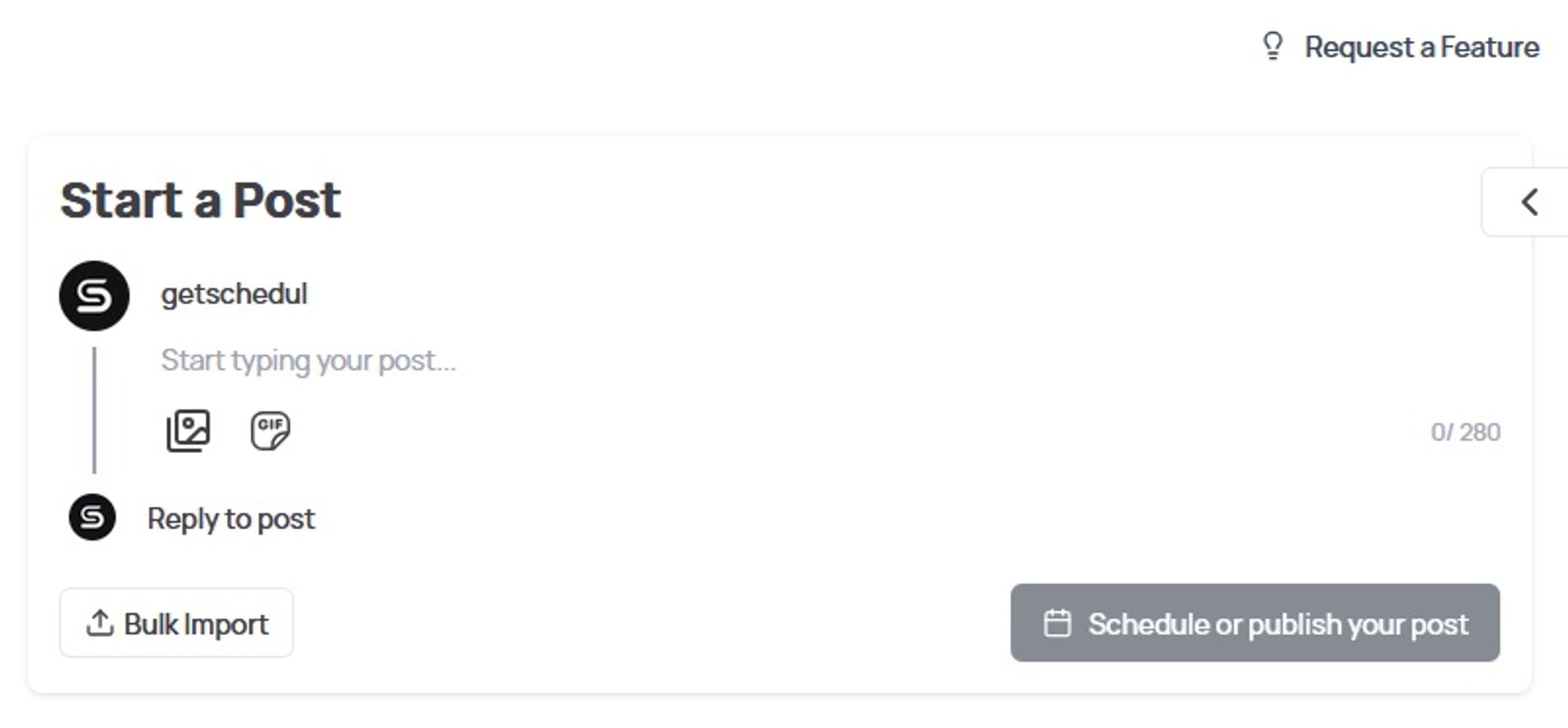
Tweeting consistently is key to growth, but manual posting eats time. What if you could schedule hundreds of tweets at once? How can we do that, you might ask. Well, with Bulk Scheduling your Tweets!
What Is Bulk Tweet Scheduling?
In today's fast-paced social media landscape, bulk scheduling tweets has become an essential strategy for anyone serious about growing their Twitter/X presence. But what exactly does it mean to schedule tweets in bulk? Simply put, it's the process of planning, creating, and automating dozens or even hundreds of social media posts at once - all timed for optimal engagement without you needing to be online.
This powerful technique solves one of the biggest challenges social media managers and creators face: maintaining a consistent posting schedule.
Bulk schedule tweets isn't just about convenience - it's a strategic approach that can:
✓ Improve your account's algorithmic favorability
✓ Help you execute complex campaigns seamlessly
✓ Free up hours each week for other important tasks
Whether you're a solopreneur looking to streamline your workflow, a social media manager handling multiple accounts, or a brand executing coordinated campaigns, mastering how to schedule tweets in bulk will transform your Twitter strategy. In this comprehensive guide, we'll walk you through the most effective tools and methods to implement bulk scheduling like a pro.
How to Bulk Schedule Tweets: 3 Proven Methods
Method 1: Bulk Schedule Tweets in Seconds with Schedul (Easiest Way)
Best for: Lightning-fast bulk scheduling with CSV support
Upload your CSV file formatted like this:ColumnFormat ExampleNotes`date2024-03-20T14:30:00` or `auto`Use "auto" for preset schedules`contentCheck out our latest feature!`Emojis & hashtags supported
Review & confirm → All tweets schedule instantly!
Why Schedul wins:
✅ Skip manual time-setting (use the “auto” option for your presets).
✅ Lightning-Fast CSV Processing: Upload 1000+ tweets in one click.
✅ Smart Time Optimization: Schedul auto-fills gaps using your best-performing time slots
Top Tips on How to Bulk Schedule Tweets on X/Twitter
Bulk scheduling isn’t just about saving time—it’s about working smarter. These battle-tested strategies (plus Schedul-exclusive hacks) will supercharge your Twitter game.
How to Schedule Tweets on Twitter/X
Tip #1: The Golden CSV Formula for Scheduling Tweets in Bulk
Your CSV file should include these columns, and you’ll be good to go:
Date: ISO format (YYYY-MM-DDTHH:MM:SS) or "auto" to use your schedule presets
Content: The post text
Media: Pipe-separated (|) URLs to images
Tip #2: Hack Twitter’s Algorithm
Engagement Booster: Schedule reply tweets to your own threads 2 hours later—forces the algorithm to re-surface the original.
Avoid Shadowbans: Never bulk-schedule identical links (space them with unique UTM parameters).
Tip #3: The 5-Minute Weekly Ritual for Scheduling in Bulk
Mondays: Use Schedul’s Calendar View to shift last week’s underperforming tweets to new times.
Fridays: Duplicate top performers into next week’s schedule with different CTAs.
Tip #4: Secret Timing Trick
For Virality: Schedule tweets to go live 5 minutes before peak hours (e.g., 7:55 AM vs 8 AM)—fewer competing tweets mean higher visibility.
Finally, If You Want to Level Up Your Twitter/X Game…
We’ve got the solution. With Schedul, you will armed with everything needed to:
✅ Save hours each week with bulk scheduling
✅ Boost engagement using smart timing
✅ Avoid costly mistakes like shadowbans or overposting
But here’s the truth: Tools make all the difference.
Why Top Creators & Brands Choose Schedul
Bulk Power: Upload unlimited tweets in a CSV
Time-Travel Editing: Forgot a link? Fix scheduled tweets in bulk without re-uploading
Auto-Optimize: Let Schedul reschedule low-performing tweets to better times